For event managers
Every brand you run, side by side and still its own
Bring your brands under one manager account and see their ticket sales on one screen. Each brand stays its own, with its own team and its own money.
Harbourline Group
Brands
| Brand | Events | Tickets sold | Sales |
|---|---|---|---|
| Northside Live | 1 | 120 | CA$3,000 |
| Late Shift | 1 | 80 | CA$2,000 |
Monday means a spreadsheet
Your inbox
- Your ads teamHere's Northside_sales_Nov.xlsx
- Late ShiftCan you sign in to Late Shift and check the weekend?
- Your ads teamWhich pixel is this one?
Harbourline Group
2 brands · 1 manager
- Northside LiveSaturday Showcase · Sat, Nov 14Published
- Late ShiftWinter Sessions · Sat, Dec 5Published
Every brand's next event is on one screen when you open the manager app.
When tickets go on sale
Keep each brand's money and pixel its own
Each brand under your account keeps its own team, public page, payouts page and Meta pixel. You check every brand's pixel on one page.
Meta pixels
Harbourline Group
- Northside LivePixel ending 4821
- Late ShiftPixel ending 7355
When the Showcase needs a change
Step into any brand when an event needs you
Open a brand's organizer workspace from the manager app, change the event, and come back to the overview.
Brands
Harbourline Group
- Northside Live1 upcoming eventManage in Organizer
- Late Shift1 upcoming eventManage in Organizer
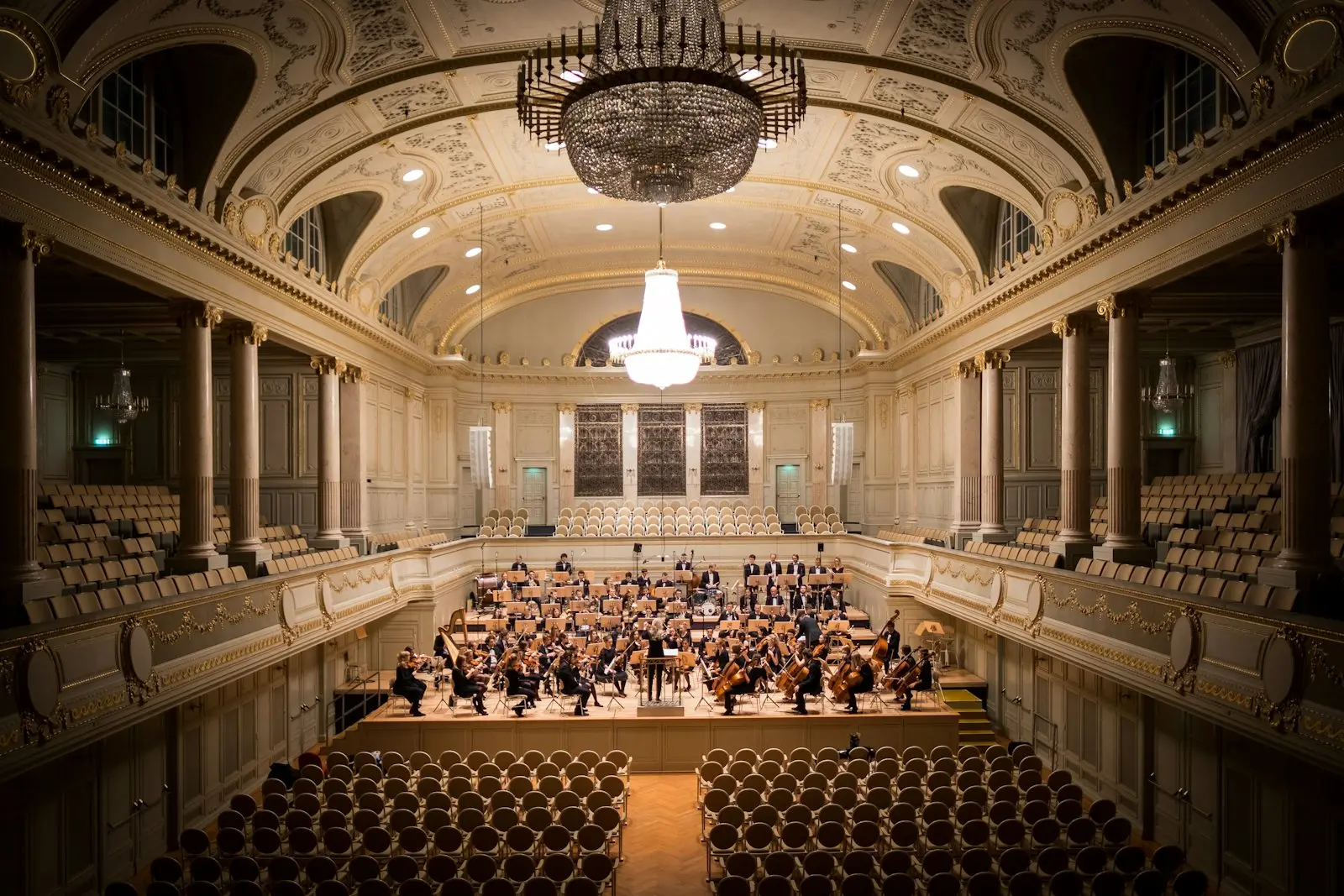
What each audience sees
Each audience sees the brand it knows
Northside Live and Late Shift keep their own public pages and events. Behind them, both brands sit in your one manager account.
Public pages
Harbourline Group
- Northside Live1 event on its pagePublic page
- Late Shift1 event on its pagePublic page
Every brand's events, under one account
Each brand's events bring their own talents, venue and promoters. You see every brand's events and sales in the manager app, and open a brand when an event needs you.
Northside Live

Saturday Showcase
The Foundry Hall · Toronto, ON
Late Shift
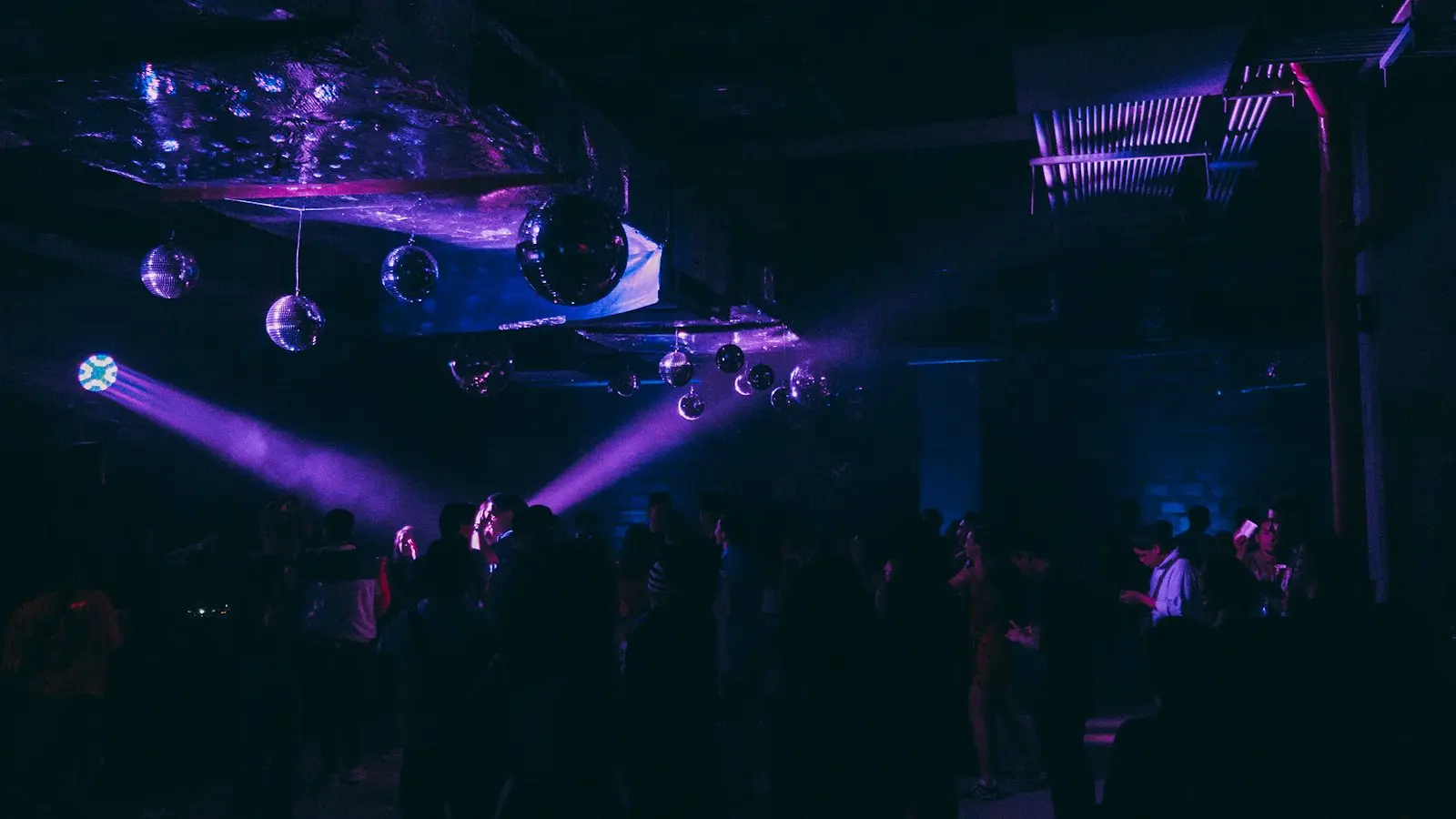
Winter Sessions
The Foundry Hall · Toronto, ON
Questions
Does each brand keep its own payouts page and pixel?
Yes. Each brand's team signs in to its own organizer workspace, and the brand's payouts and pixel stay with it.
Can I open a brand's events from the manager app?
Yes. Manage in Organizer opens the brand's workspace in one click.
Do I need another login for the manager app?
No. One login works across roles, and you switch apps without signing out.
Run your brands from one account
See every brand's sales on one screen, and open any brand's events when they need you.